PIL ``ImageOps.expand ()`` 用法:图像边框添加与填充色设置
发布日期 :2023-10-23 05:20:16 UTC
访问量: 15 次浏览
Python PIL ImageOps.expand() 方法
PIL是Python图像库,它为Python解释器提供了图像编辑功能。ImageOps 模块包含了一些 “现成的 “图像处理操作。这个模块在某种程度上是实验性的,大多数操作只对L和RGB图像起作用。
ImageOps.expand() 为调用或使用此函数的图像添加一个边框。
语法:
PIL.ImageOps.expand(image, border = 0, fill = 0)
参数:
image :图像的大小和裁剪。
border :要应用于图像的边界,单位是像素。
fill:这定义了要应用的像素填充值或颜色值。默认值是0,意味着颜色是黑。
返回:一个具有所需边框的图像。
下面是 ImageOps.expand() 的实现。
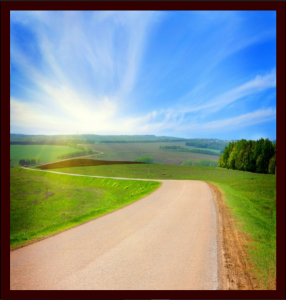
使用的图片:

# Importing Image and ImageOps module from PIL package
from PIL import Image, ImageOps

# creating a image1 object
im1 = Image.open(r"C:\Users\System-Pc\Desktop\a.jpg")

# applying expand method
# using border value = 20
# using fill = 50 which is brown type color
im2 = ImageOps.expand(im1, border = 20, fill = 50)

im2.show()
输出: