jQuery ``now()`` 方法使用教程与实例演示
发布日期 :2019-10-23 13:52:56 UTC
访问量: 10 次浏览
JQuery now() 方法
jQuery中的这个 now() 方法是用来返回一个代表当前时间的数字。
语法:
jQuery.now()
参数: now() 方法不接受任何参数。
返回值: 它返回代表当前时间的数字。
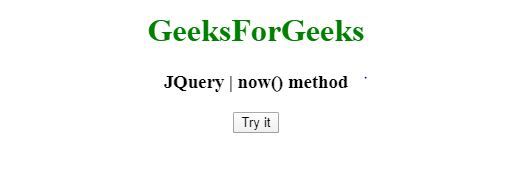
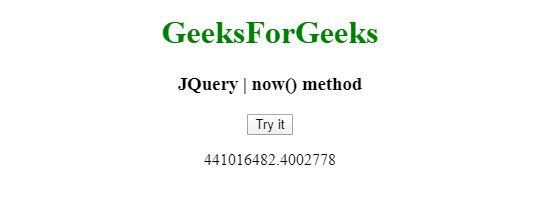
例子1: 在这个例子中,now() 方法用 innerHTML 函数显示了毫秒的数量。
<!DOCTYPE html>
<html>
<head>
<meta charset="utf-8">
<title>JQuery | now() method</title>
<script src="https://code.jquery.com/jquery-3.4.1.js"></script>

</head>
<body style="text-align:center;">

    <h1 style="color: green">
        GeeksForGeeks
    </h1>

    <h3>JQuery | now() method</h3>
    <button onclick="geek()">Try it</button>

    <p id="demo"></p>

    <script>
    function geek() {
      var n = jQuery.now();
      document.getElementById("demo").innerHTML = n/3600;
    }
    </script>
</body>
</html>
输出:
点击前:
点击后:
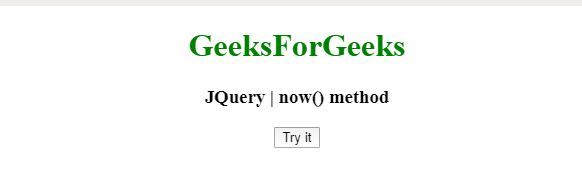
例子2: 在这个例子中,now() 方法用 alert 函数显示了毫秒数。
<!DOCTYPE html>
<html>
<head>
<meta charset="utf-8">
<title>JQuery | now() method</title>
<script src="https://code.jquery.com/jquery-3.4.1.js"></script>

</head>
<body style="text-align:center;">

    <h1 style="color: green">
        GeeksForGeeks
    </h1>

    <h3>JQuery | now() method</h3>
    <button onclick="geek()">Try it</button>

    <script>
    function geek() {
      var n = jQuery.now();
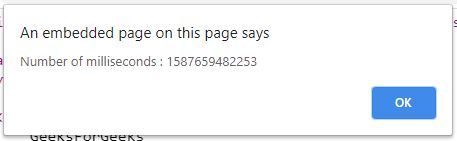
      alert("Number of milliseconds : " + n);
    }
    </script>
</body>
</html>
输出:
点击前:
点击后: