PhantomJS ``render()`` 使用方法
发布日期 :2019-02-27 09:16:37 UTC
访问量: 10 次浏览
PhantomJS render()
Render() 函数可以将图像缓冲区保存为指定格式。支持的格式包括PDF、PNG、JPEG、BMP、PPM、GIF(取决于所使用的QT构建)。
质量
支持的整数范围是0到100。主要用于JPEG和PNG格式。对于JPEG,它以百分比方式表示。0级会生成非常小且质量低的文件,而100级则会生成高质量文件。默认值为75。对于PNG,它设置为0表示较小的文件,100表示更大的文件。
您可以使用“clipRect”、“viewportSize”、“paperSize”与render方法一起使用,以根据需要渲染图像缓冲区。
语法
其语法如下所示−
wpage.render(filename, {format: PDF|PNG|JPEG|BMP|PPM|GIF, quality: '100'});
示例:图片
我们来举一个示例来理解 render() 方法的用法。
var wpage = require('webpage').create();
wpage.viewportSize = { width: 1920, height: 1080 };

wpage.open("http://www.google.com", function start(status) {
wpage.render('image.jpeg', {format: 'jpeg', quality: '100'});
phantom.exit();
});
上述程序生成以下输出。
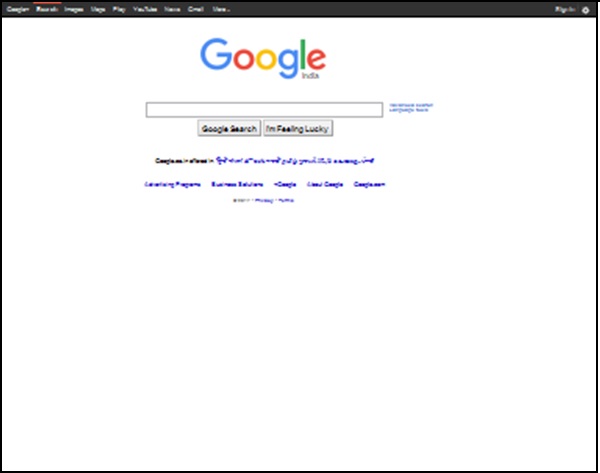 ")
")
示例:PDF
让我们考虑另一个示例。
var wpage = require('webpage').create();
var url = "https://jquery.com/download/";
var output = "display.pdf";

wpage.paperSize = {
width: '600px',
height: '1500px',
margin: {
'top':'50px',
'left':'50px',
'rigth':'50px'
},
orientation:'portrait',

header: {
height: "1cm",
contents: phantom.callback(function(pageNumber, nPages) {
return "<h5>Header <b>" + pageNumber + " / " + nPages + "</b></h5>";
})
},
footer: {
height: "1cm",
contents: phantom.callback(function(pageNumber, nPages) {
return <h5>Footer <b>" + pageNumber + " / " + nPages + "</b></h5>";
})
}
}
wpage.open(url, function (status) {
if (status !== 'success') {
console.log('Page is not opening');
phantom.exit();
} else {
wpage.render(output);
phantom.exit();
}
});
上述程序生成以下输出。
Saves as display.pdf with header and footer.